DraftPad
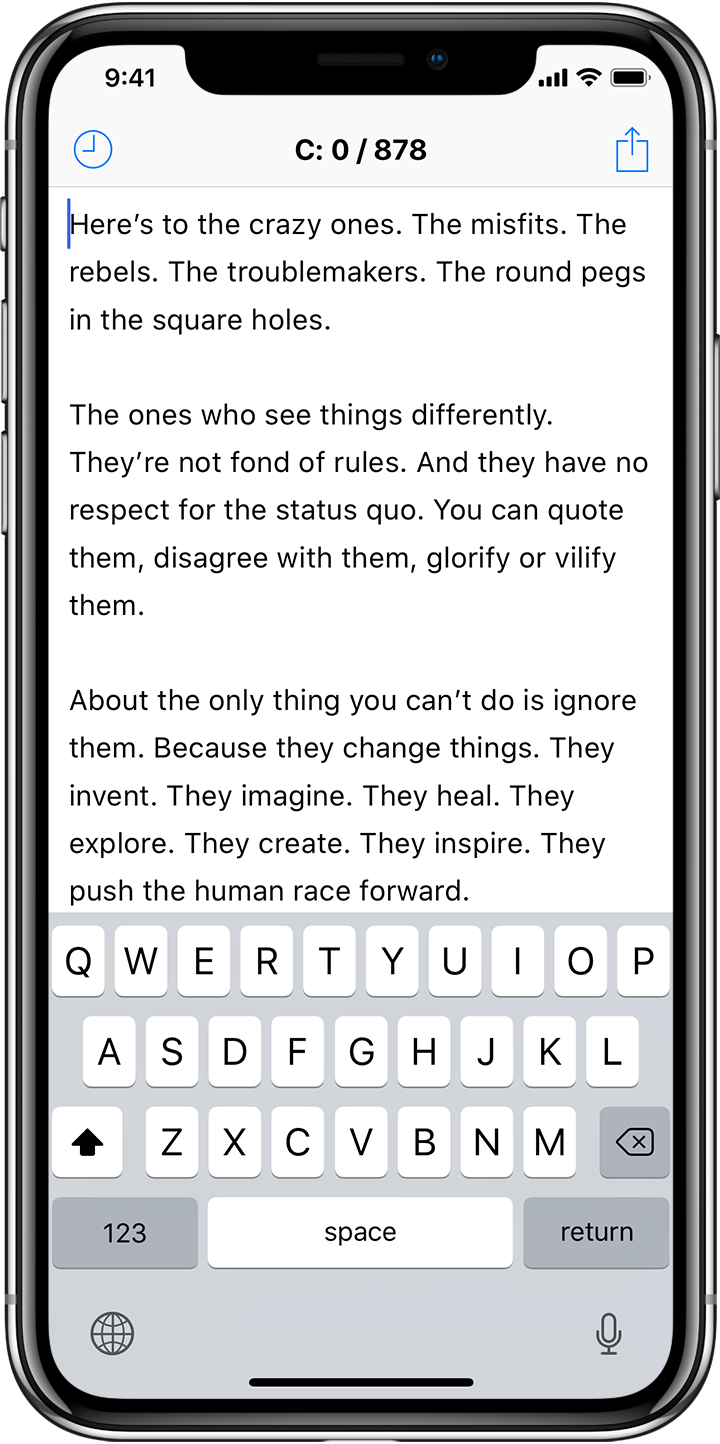

On the last update in 2014, We announced that the development of DraftPad was discontinued, but we changed our mind. This is the new version of DraftPad which is redesigned and optimized for modern iOS 11.
We decided to update DraftPad again because so many people sent us questions and requests after iOS 11 was released. The previous version of DraftPad was a 32-bit app which could not run on iOS 11.
To us, DraftPad had been a past project that we were not to touch again, but we found that it was a present tool to the users. They were very confused about how to get their data back, and actually, the only way for them to restore the data on iOS 11 is to have the updated version of DraftPad which runs on iOS 11.
Now, DraftPad is back. This version was developed from scratch to fit the current framework of iOS. On the other hand, in these four years after the last update, many features have been added to iOS itself, and now apps can be more extended with the standard mechanism. Therefore, We decided to remove some features from DraftPad and pursue its original concept, the extreme simplicity.
New features using iOS standard mechanism
- Activity sheet which provides extended actions and sharing availability
- Text drag and drop
- Quick action from home screen by 3D touch
- Peek and pop from History list by 3D touch
Removed features
- Assists
- iCloud syncing
- Themes
- Receiving data via URL scheme
Please excuse us if you had been enjoying Assist commands. They are no longer available to keep DraftPad simple, up-to-date, and free.
Thank you for using DraftPad for a long time.
Follow @draftpad on Twitter for staying in touch.